 PageSnap
Workflow · 5 min read ·
How to Write a Bug Report With Screenshots Developers Love
A simple template and annotation tips: arrows, numbered steps, blur and console details that make bugs easy to fix.
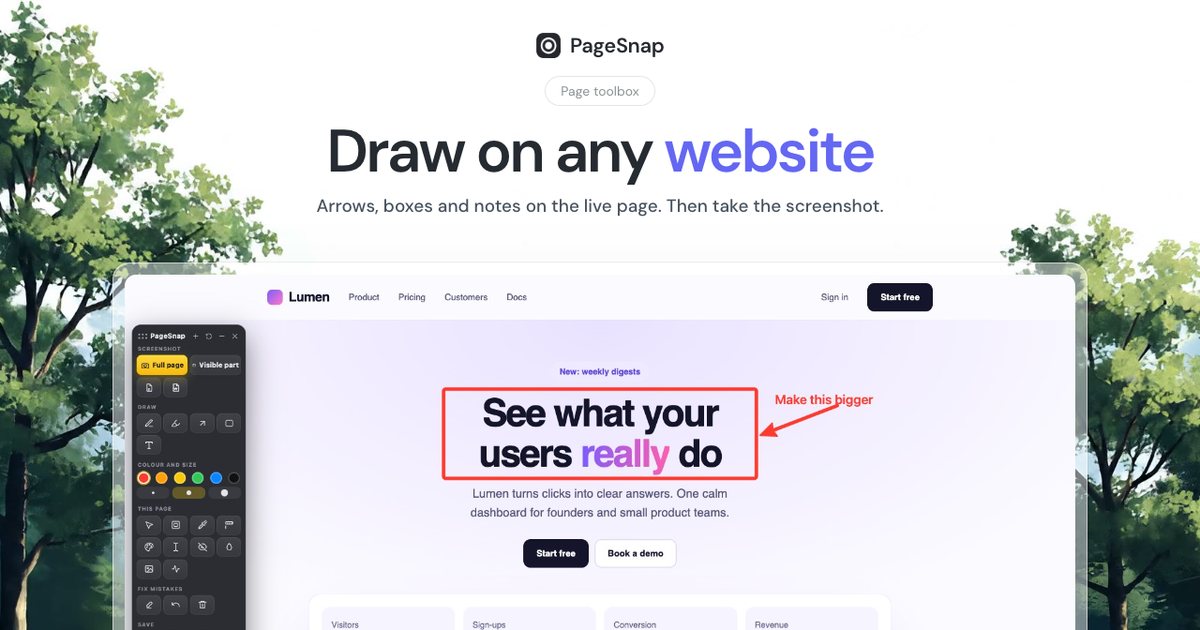
A clear screenshot saves a long email. A great one gets your bug fixed the same day. Here is a template and a few annotation habits.
The template
- What I did: three or four numbered steps.
- What I expected: one sentence.
- What happened instead: one sentence plus the screenshot.
- Where: page address, browser, window size and date.
Annotation habits
- Arrow plus short label on the exact problem.
- Numbered steps when the order matters.
- Spotlight to dim everything except the issue.
- Blur any private data of customers.
- Crop to what is needed, but keep the page address visible.
Add technical details automatically
In PageSnap, press Copy bug report details. It copies the page address, browser, window size and time, ready to paste into GitHub, Jira or Slack next to the image. Use Record console first and errors from the page go into the report too.
Full page or part?
Use a full page capture when the bug depends on the whole layout, such as a footer overlapping content. Use a selection for a single broken component.
Before you send
- Can someone reproduce it from your steps?
- Is private information hidden?
- Is the file small enough to attach?
Try PageSnap, free.
Full page screenshots, editing, OCR, PDF and Word export. No account, nothing uploaded.
More guides
Export · 4 min read
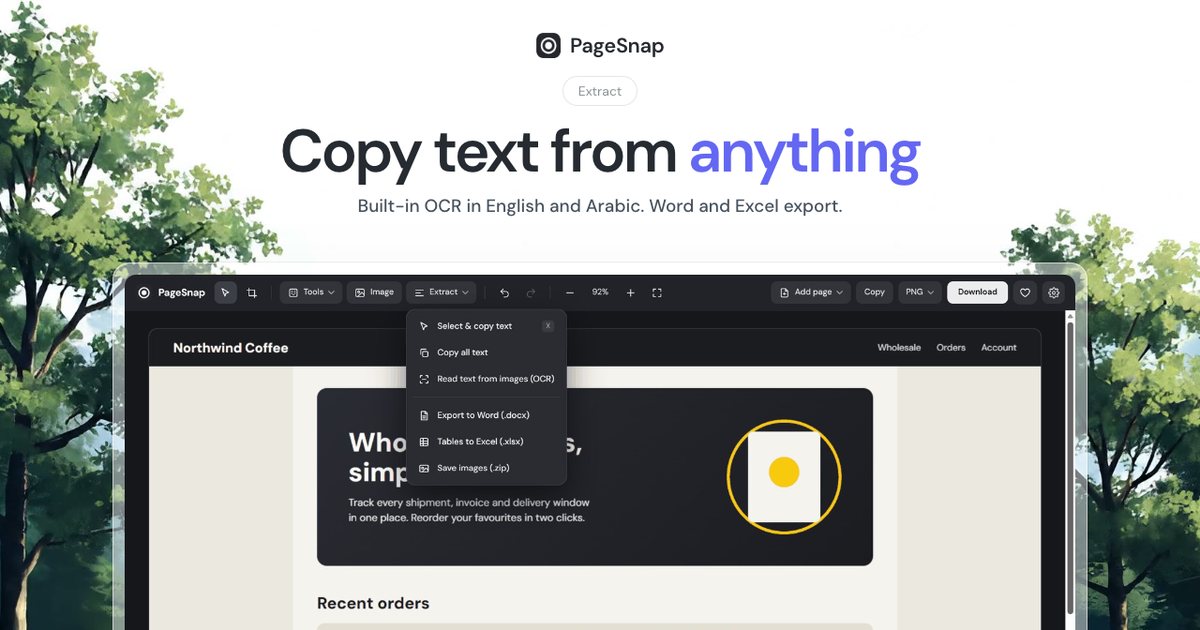
How to Export a Table From a Web Page to Excel or Word
Turn a table, list or whole article on any web page into an editable Excel or Word file in one click.
Read the guide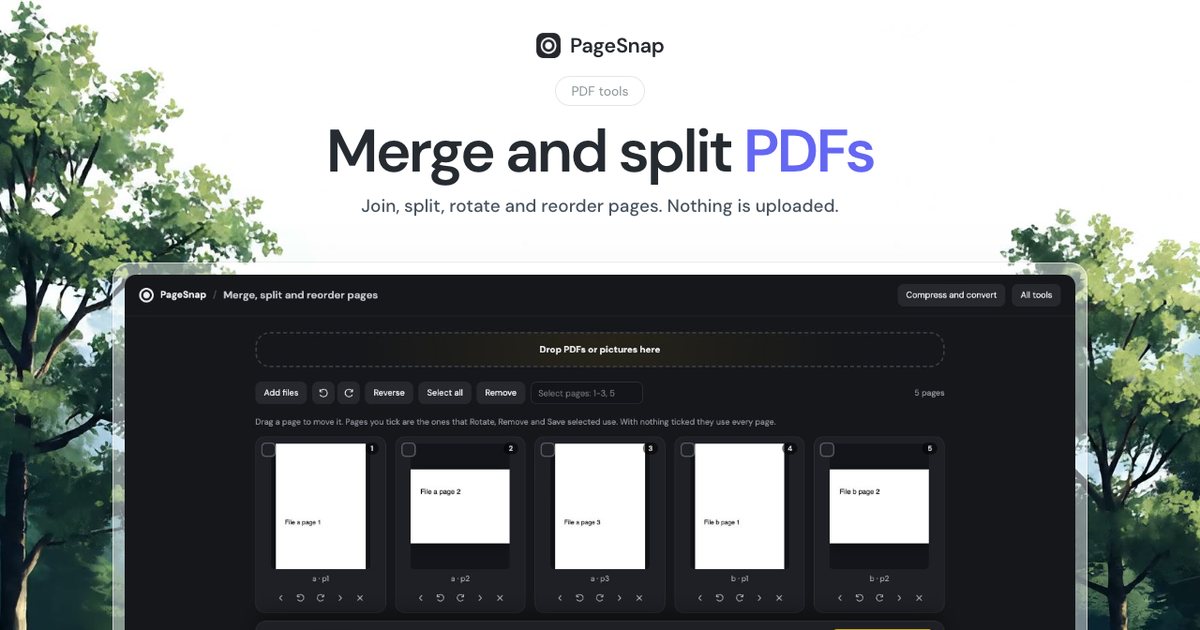
PDF · 4 min read
How to Merge and Split PDF Files Without Uploading Them
Join, split, rotate and reorder PDF pages in Chrome. Private, free, and your files never leave your computer.
Read the guide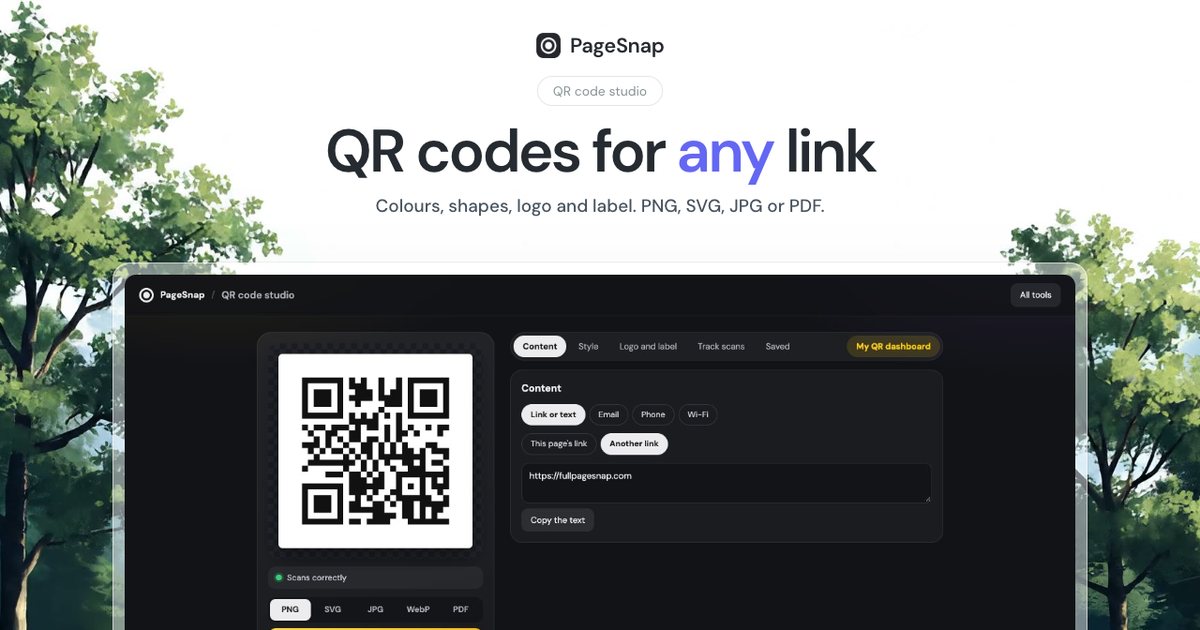
QR codes · 4 min read
How to Make a Free QR Code for Any Link (With Your Logo and Colours)
Create a QR code for a link, Wi-Fi or text in your own colours and logo, and download it as PNG, SVG, JPG or PDF.
Read the guide