 PageSnap
QR codes · 4 min read ·
How to Make a Free QR Code for Any Link (With Your Logo and Colours)
Create a QR code for a link, Wi-Fi or text in your own colours and logo, and download it as PNG, SVG, JPG or PDF.
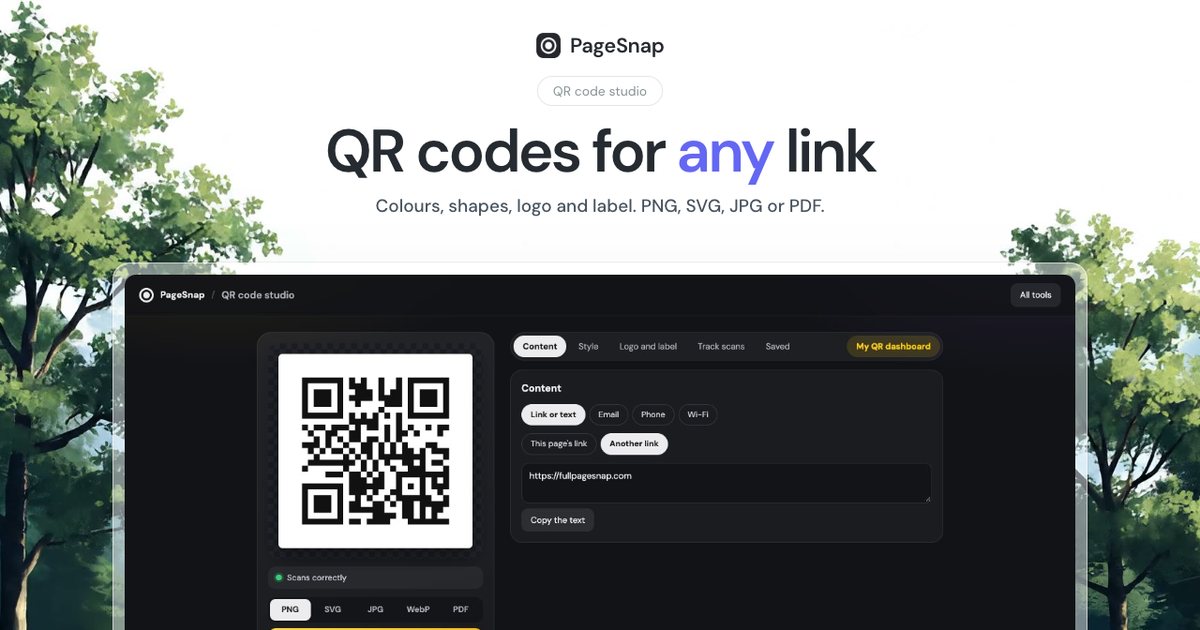
QR codes link the printed world to the web: menus, flyers, business cards, posters. Making a good one takes a minute.
Steps
- Open the PageSnap toolbox and choose QR code studio.
- Paste the link. If you are on the page already, it fills in for you.
- Pick colours, a shape, a logo and a short label such as "Scan me".
- Download as PNG, SVG, JPG or PDF.
Make it scan every time
- Contrast: dark code on a light background works best.
- Size: at least 2 cm (0.8 in) on print.
- Quiet zone: keep empty space around the code.
- Logo: keep it small so the code stays readable.
- Test: scan with two different phones before you print.
Which format?
| Use | Format |
|---|---|
| Print, posters | SVG or PDF |
| Web and slides | PNG |
| JPG |
Static or dynamic?
PageSnap makes static codes: the link is inside the code and never changes, nothing is tracked and nothing expires. If you need to change the destination later, point the code to a short link you control.
Try PageSnap, free.
Full page screenshots, editing, OCR, PDF and Word export. No account, nothing uploaded.
More guides
Export · 4 min read
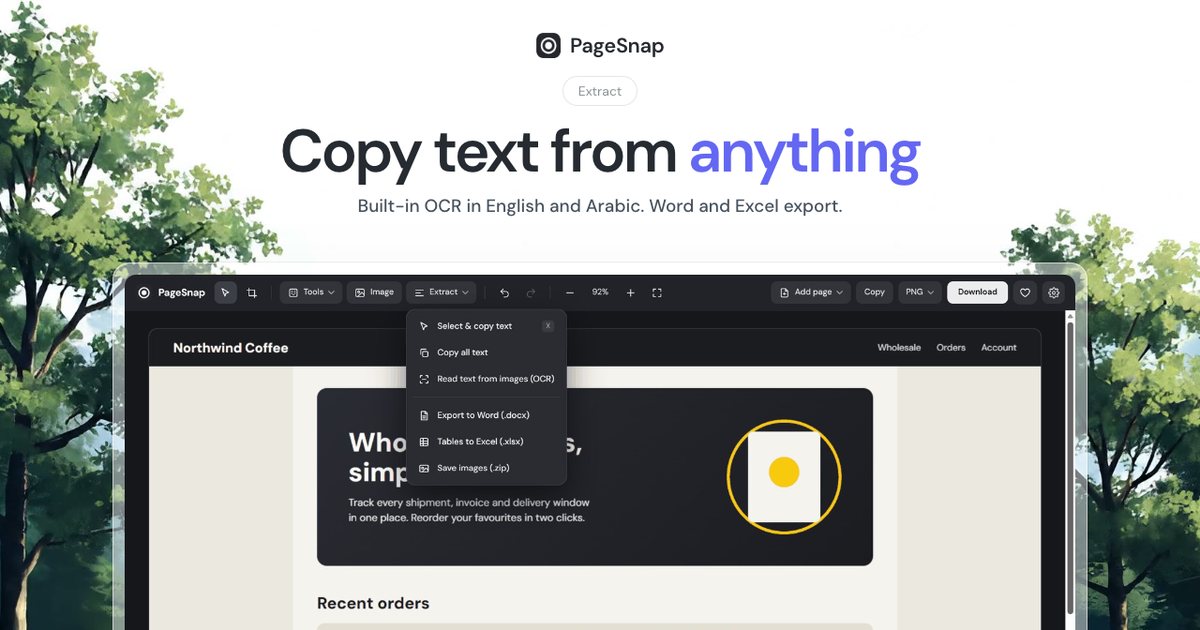
How to Export a Table From a Web Page to Excel or Word
Turn a table, list or whole article on any web page into an editable Excel or Word file in one click.
Read the guide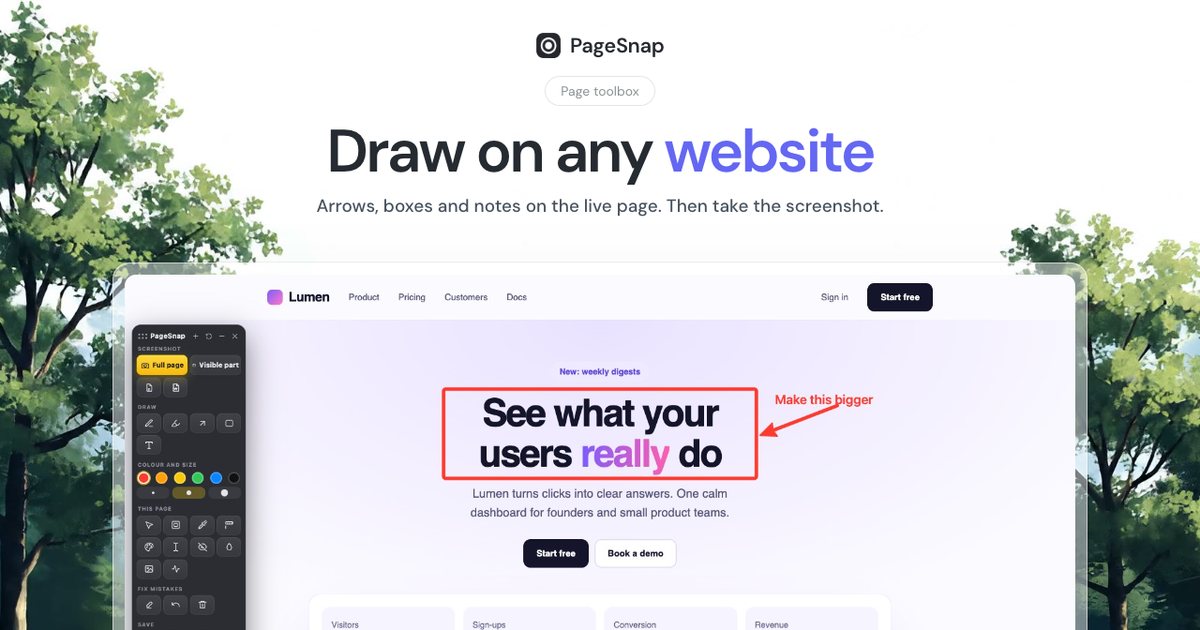
Workflow · 5 min read
How to Write a Bug Report With Screenshots Developers Love
A simple template and annotation tips: arrows, numbered steps, blur and console details that make bugs easy to fix.
Read the guide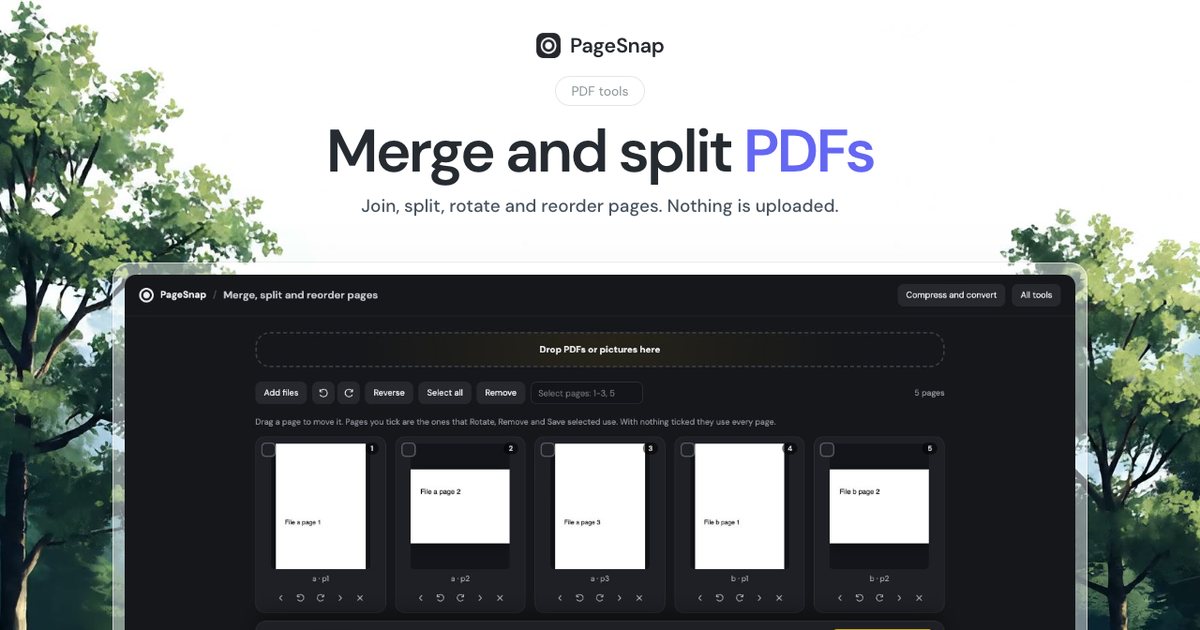
PDF · 4 min read
How to Merge and Split PDF Files Without Uploading Them
Join, split, rotate and reorder PDF pages in Chrome. Private, free, and your files never leave your computer.
Read the guide