 PageSnap
Export · 4 min read
How to Export a Table From a Web Page to Excel or Word
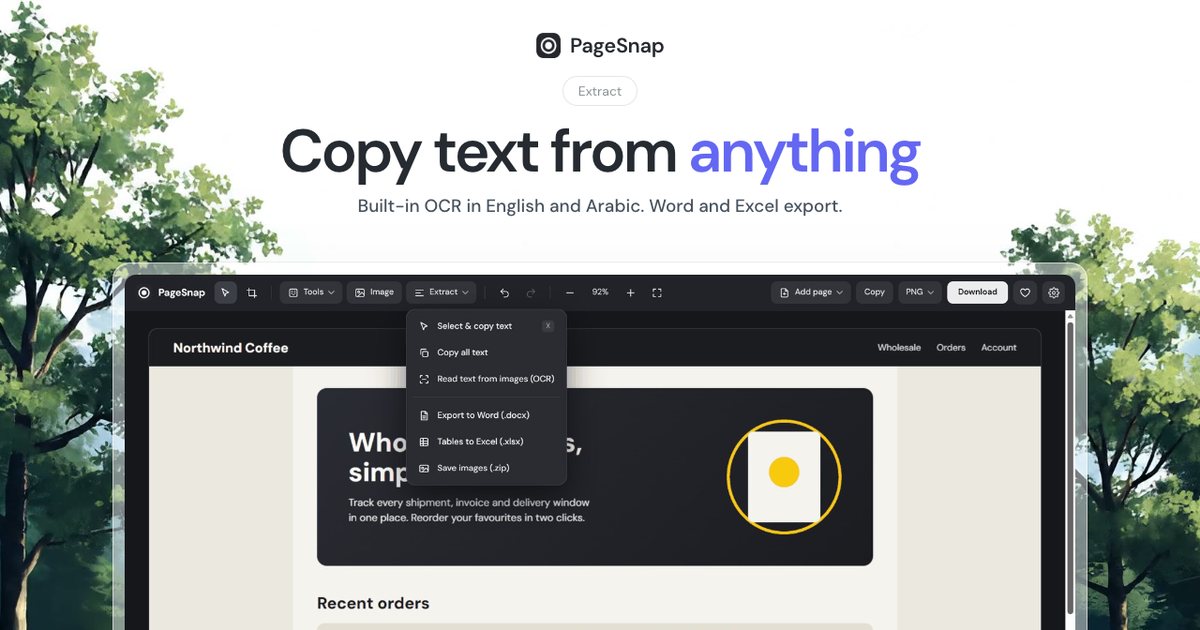
Turn a table, list or whole article on any web page into an editable Excel or Word file in one click.
Read the guideBlog
Short, practical how-tos. Everything works in Chrome, runs on your computer and respects your privacy.
Export · 4 min read
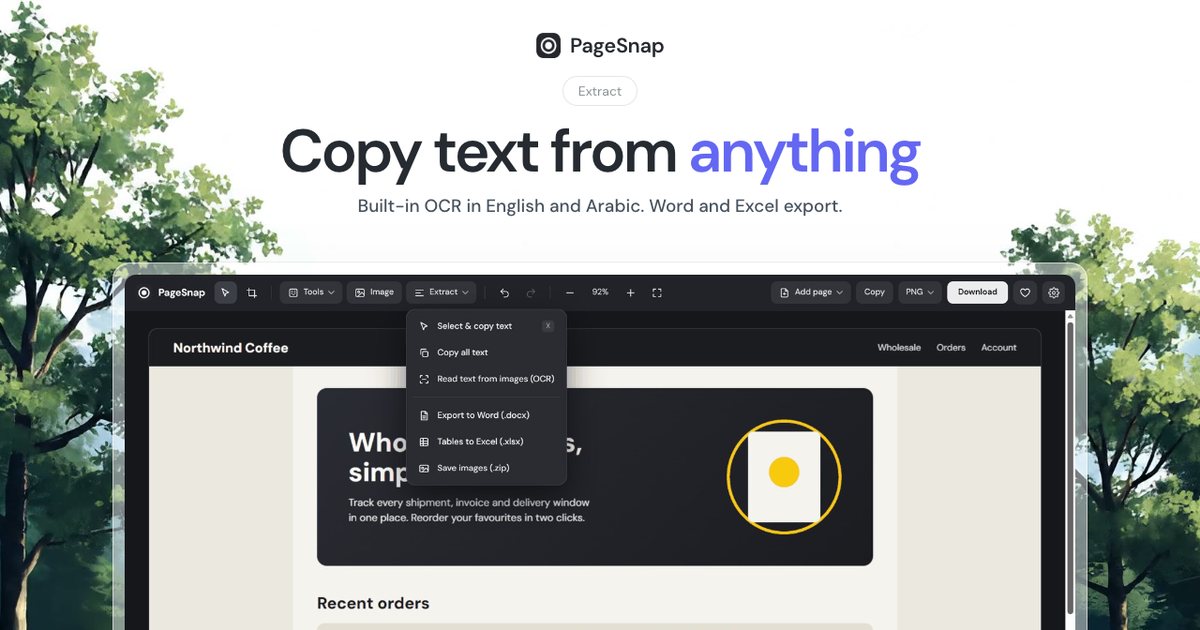
Turn a table, list or whole article on any web page into an editable Excel or Word file in one click.
Read the guideWorkflow · 5 min read
A simple template and annotation tips: arrows, numbered steps, blur and console details that make bugs easy to fix.
Read the guidePDF · 4 min read
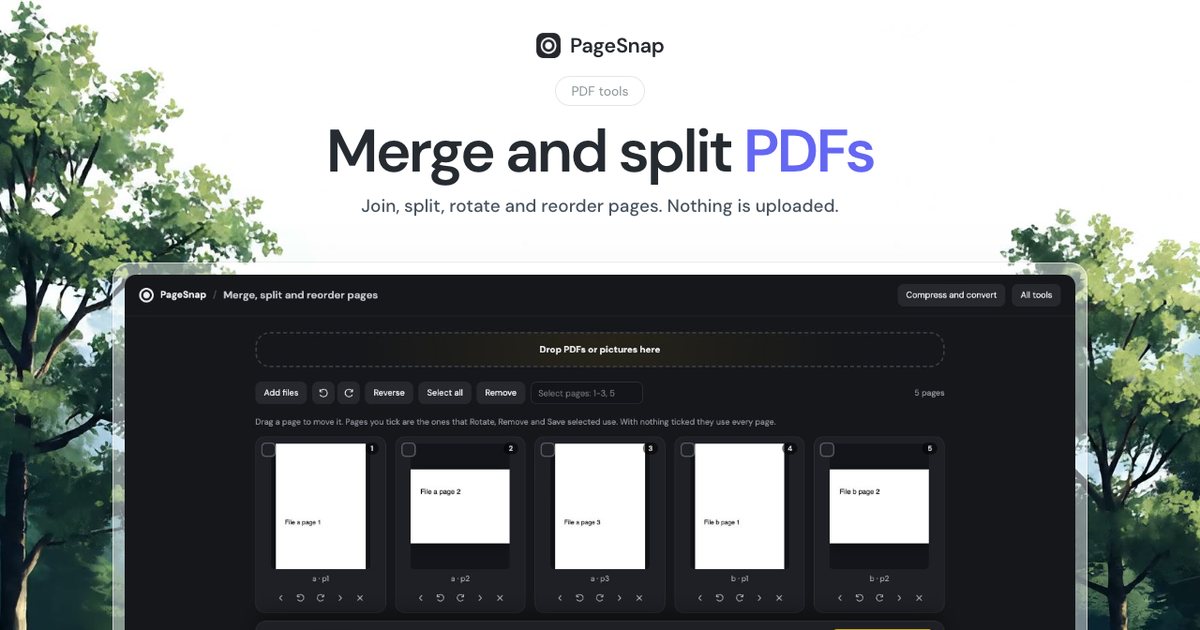
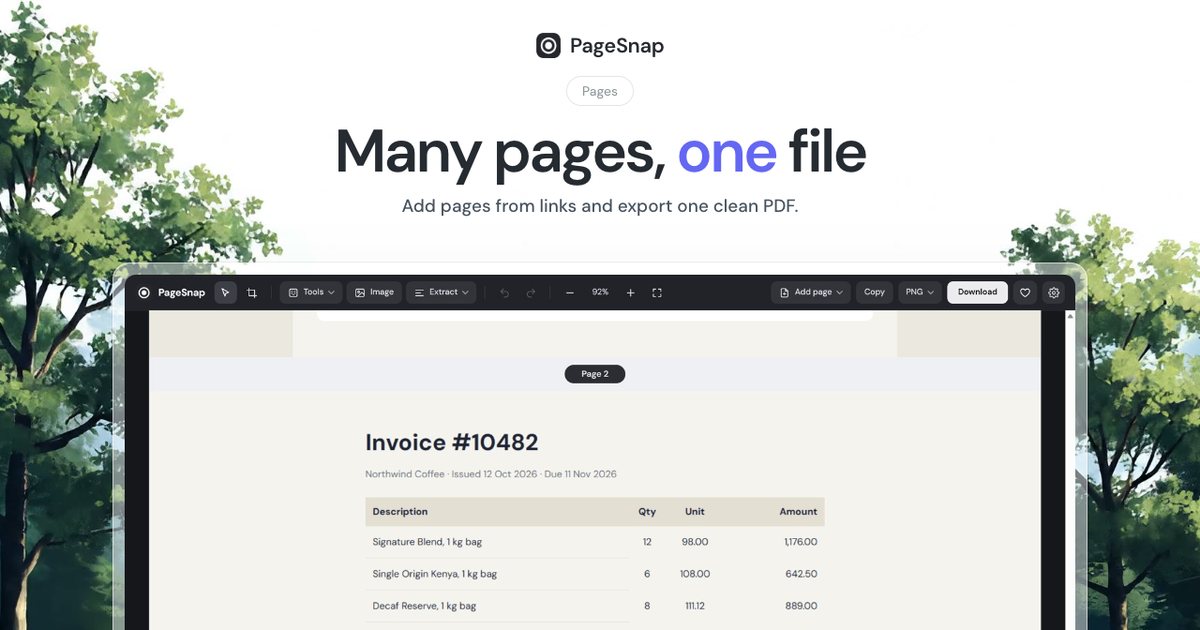
Join, split, rotate and reorder PDF pages in Chrome. Private, free, and your files never leave your computer.
Read the guideQR codes · 4 min read
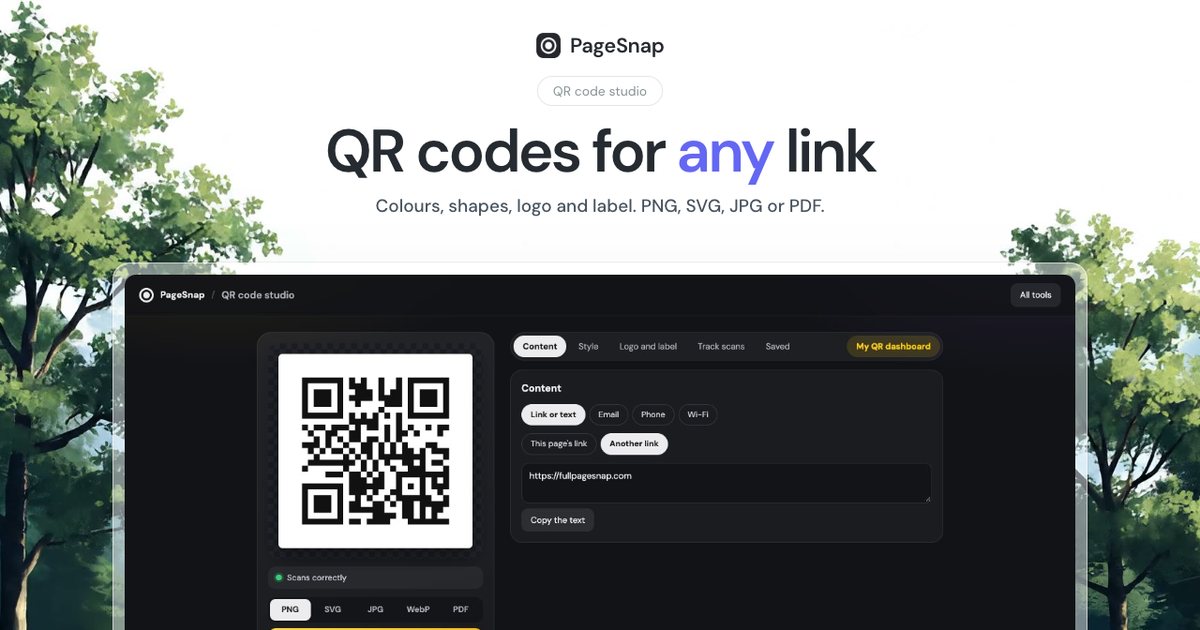
Create a QR code for a link, Wi-Fi or text in your own colours and logo, and download it as PNG, SVG, JPG or PDF.
Read the guideSEO · 6 min read
A quick SEO check for titles, descriptions, headings, images, links and speed, using a free live panel in Chrome.
Read the guideAd blocker · 5 min read
How ad blocking works in Chrome today, what changed with Manifest V3, and how to hide ads with one switch while supporting sites you like.
Read the guideOCR · 4 min read
Turn text in a screenshot, photo or scanned PDF into text you can copy. Private OCR that runs on your computer, in English and Arabic.
Read the guideDesign · 5 min read
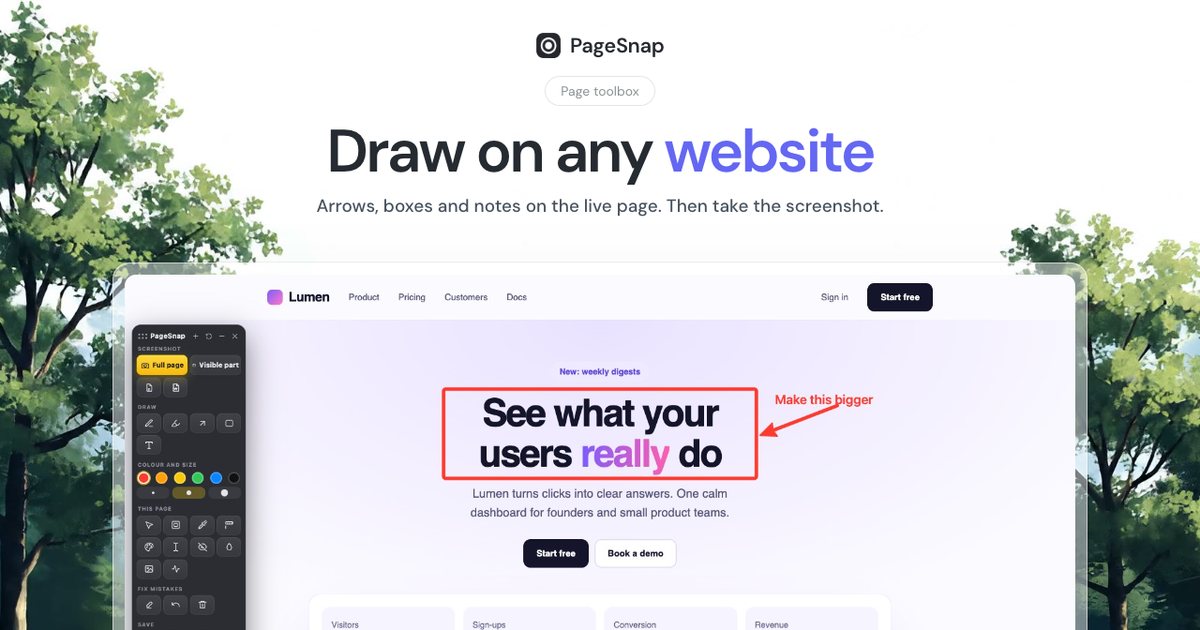
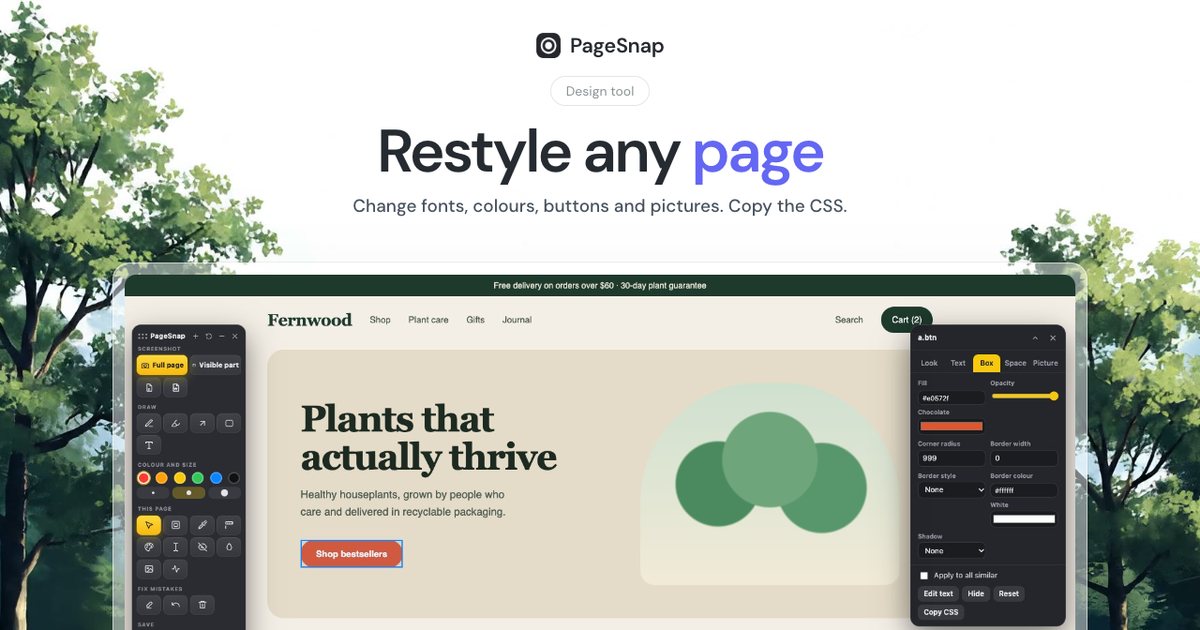
Try new headlines, prices and colours on a live website in seconds, then screenshot the result. No developer tools needed.
Read the guideScreenshots · 4 min read
Capture a long WhatsApp Web chat as one image or PDF, with names blurred if you need to. Step by step for Chrome.
Read the guidePrivacy · 5 min read
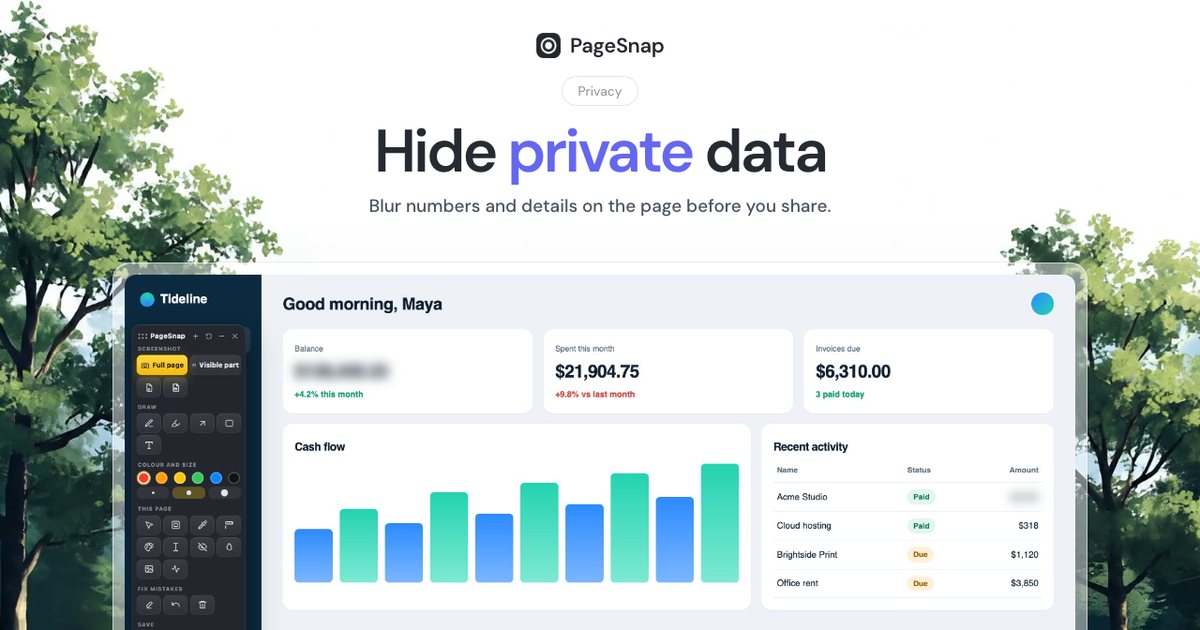
Share screenshots safely. How to blur or cover emails, phone numbers, card numbers and passwords, and why a blur is not always enough.
Read the guidePDF · 4 min read
Chrome's Print to PDF often splits lines across pages. Learn three ways to save a clean PDF of any web page.
Read the guideScreenshots · 4 min read
Windows shortcuts only capture what you see. Here is how to capture a whole long web page on Windows, step by step.
Read the guideScreenshots · 4 min read
Capture a whole scrolling web page on a Mac. Built-in shortcuts, Chrome DevTools and a one-click extension, with the pros and cons of each.
Read the guide