 PageSnap
Design · 5 min read ·
How to Change the Text of Any Website to Test a Design (Without Code)
Try new headlines, prices and colours on a live website in seconds, then screenshot the result. No developer tools needed.
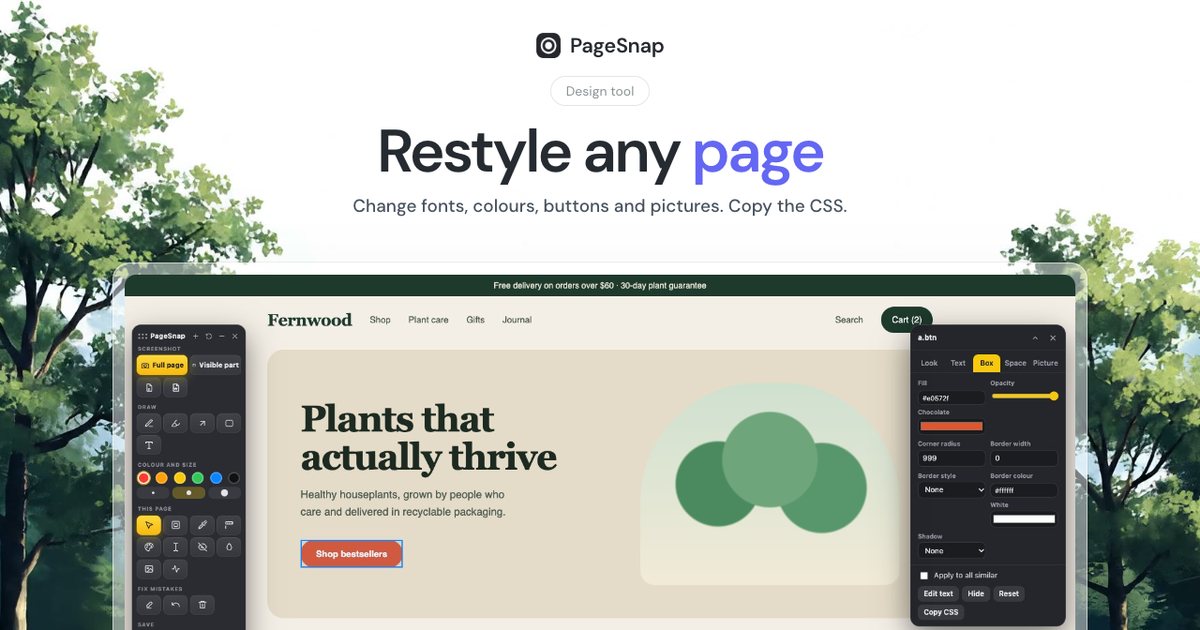
Designers, marketers and founders often need to answer a simple question: how would this headline look on our real page? You can find out in seconds without touching any code.
The classic way: DevTools
Right-click, Inspect, find the element, double-click the text and type. It works, but it is slow and easy to get lost in nested tags.
The easy way: the PageSnap toolbox
- Click the PageSnap icon on any website. The toolbox opens on the page.
- Press Edit words, click any text and type.
- Use the Design tool to change fonts, colours, borders, shadows and spacing.
- Press Copy CSS to take your changes to a developer.
- Take the screenshot with your changes in it.
Nothing is saved to the real website. Reload the page and everything returns to normal.
Watch it in 40 seconds
Restyle a button, step by step
Good uses
- Testing headlines and button labels with your team.
- Making mock-ups for a pitch.
- Showing a client a change before it is built.
- Checking how a long word fits in a narrow button.
Please use it honestly
Edited screenshots are for mock-ups and testing. Do not use them to pass off changed prices, statements or messages as real.
Try PageSnap, free.
Full page screenshots, editing, OCR, PDF and Word export. No account, nothing uploaded.
More guides
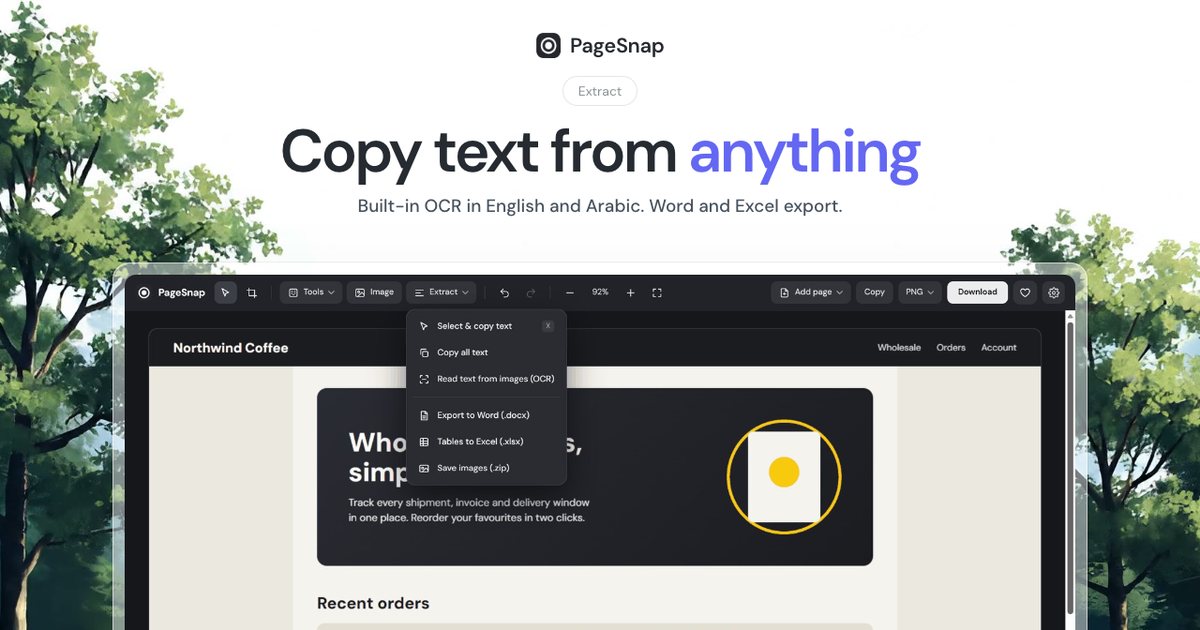
Export · 4 min read
How to Export a Table From a Web Page to Excel or Word
Turn a table, list or whole article on any web page into an editable Excel or Word file in one click.
Read the guide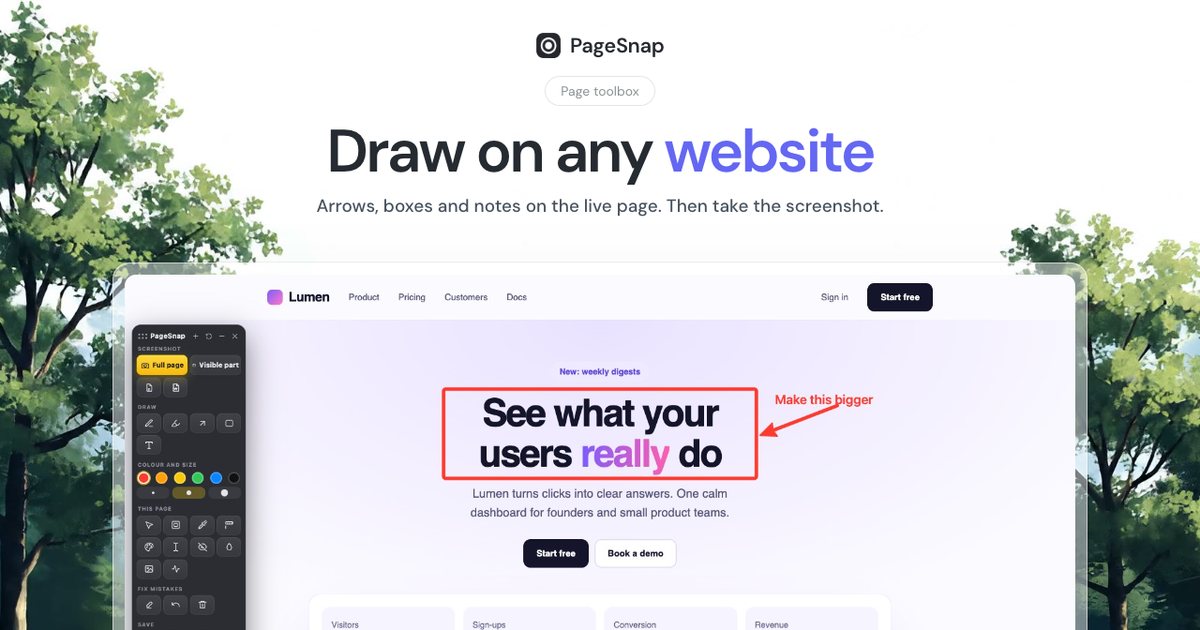
Workflow · 5 min read
How to Write a Bug Report With Screenshots Developers Love
A simple template and annotation tips: arrows, numbered steps, blur and console details that make bugs easy to fix.
Read the guide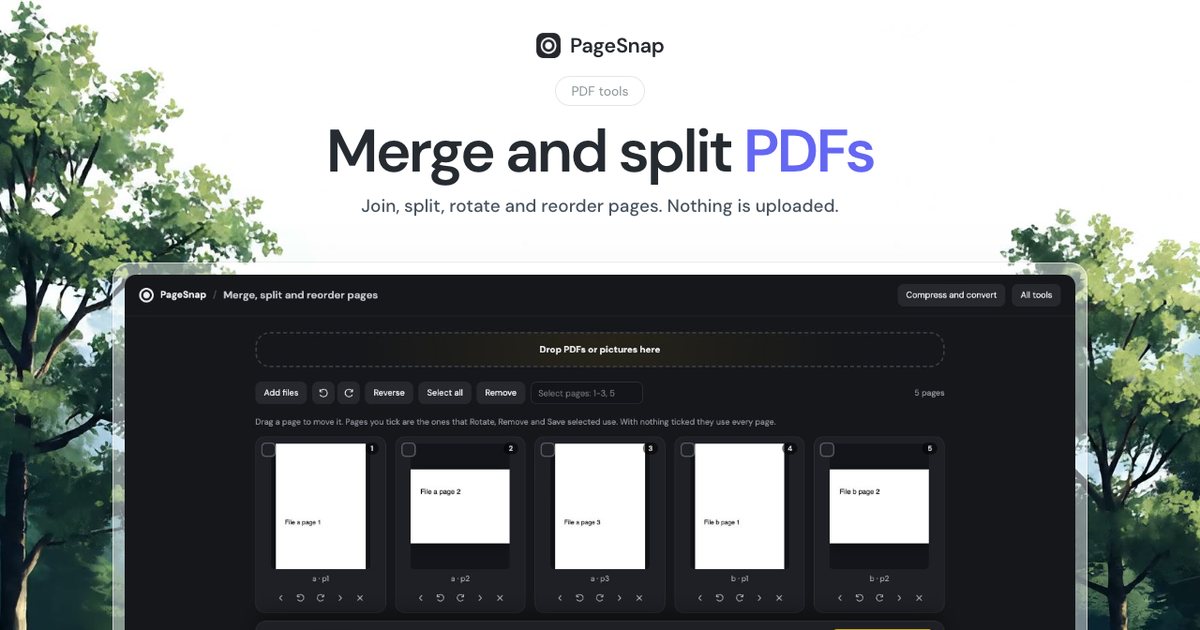
PDF · 4 min read
How to Merge and Split PDF Files Without Uploading Them
Join, split, rotate and reorder PDF pages in Chrome. Private, free, and your files never leave your computer.
Read the guide