 PageSnap
Screenshots · 4 min read ·
How to Take a Full Page Screenshot on Mac (Chrome, Safari and Shortcuts)
Capture a whole scrolling web page on a Mac. Built-in shortcuts, Chrome DevTools and a one-click extension, with the pros and cons of each.
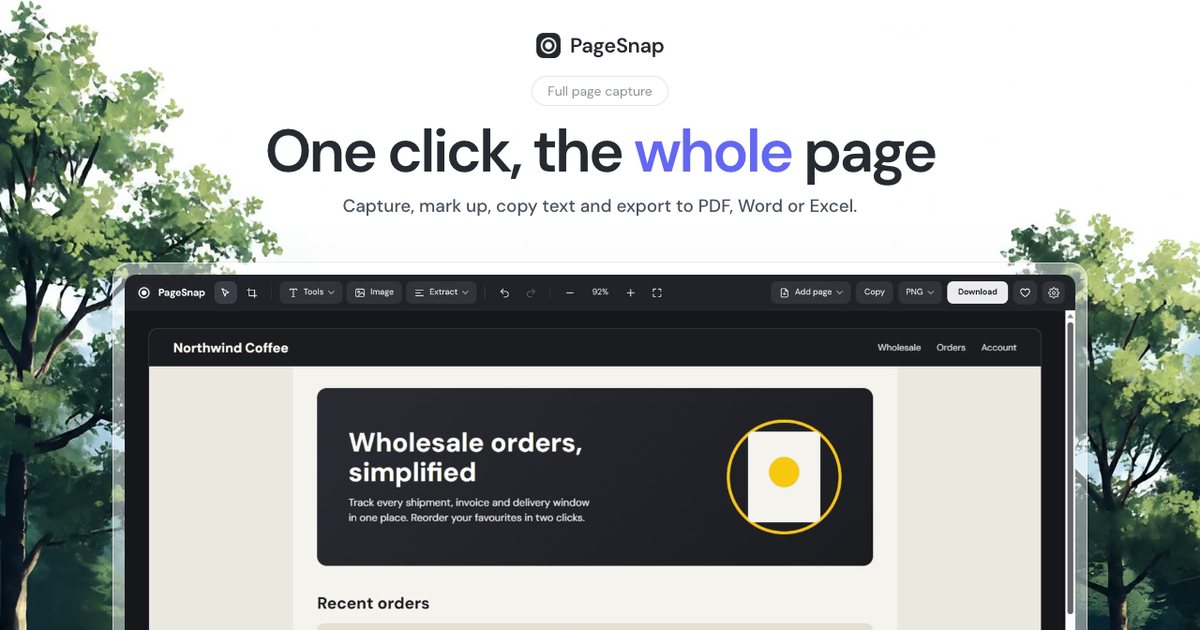
macOS has excellent screenshot shortcuts, but none of them captures a whole web page that scrolls. Here is what each option can and cannot do, and the quickest way to get one tall image.
The built-in Mac shortcuts
- Cmd+Shift+3 captures the whole screen.
- Cmd+Shift+4 lets you drag a box over any part of it.
- Cmd+Shift+5 opens the screenshot toolbar, with screen recording and a timer.
All of them capture only what is visible. If the page is longer than your screen, you get one slice at a time.
Safari: Full Page in the screenshot tool
Safari can save a web page as a PDF through File, Export as PDF, and some versions offer a full page choice in the screenshot toolbar. The result is a PDF, and long pages with sticky headers can look repeated or cut.
Chrome DevTools, no extension
- Press Cmd+Option+I to open DevTools.
- Press Cmd+Shift+P and type screenshot.
- Choose Capture full size screenshot.
It works for simple pages, but it does not wait for lazy images and it gives you no editing.
The fastest way: a full page extension
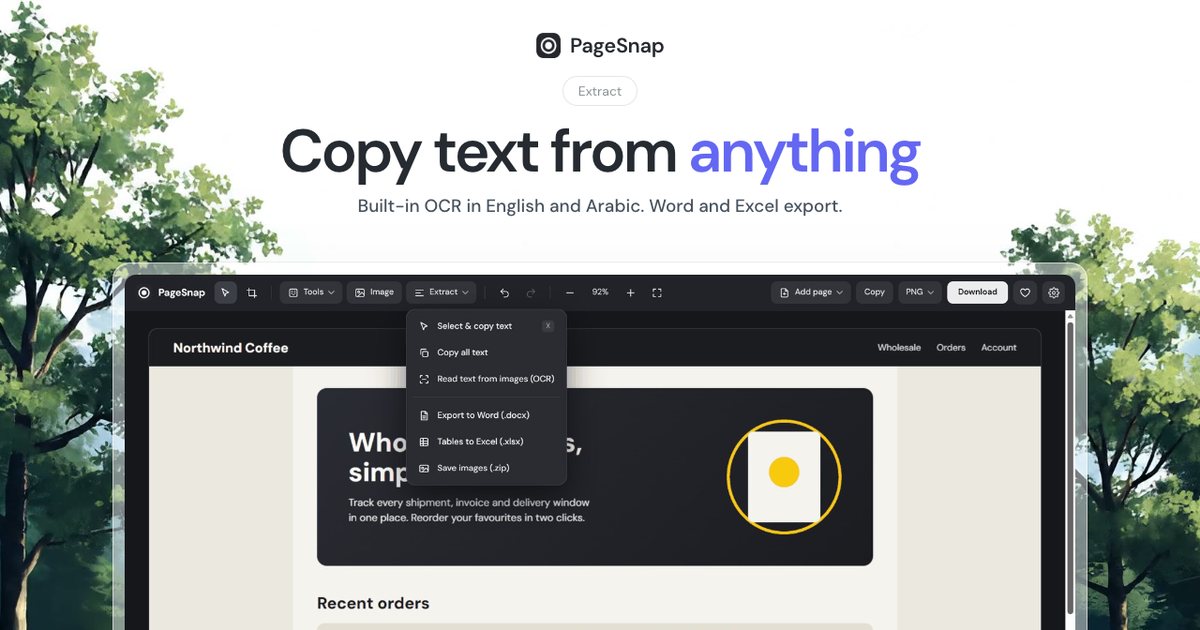
With PageSnap installed, open the page and press Option+Shift+P (or click the icon). It scrolls the page, waits for images and animations, shows fixed headers once and gives you one image. Then you can draw on it, blur private details, copy the text, and save it as PNG, JPG or PDF.
Tips for a clean result
- Close cookie banners first, or let PageSnap hide them.
- Pick PDF if you need to share a long page; pick PNG for crisp text.
- Use the delay timer to open a menu or hover state before the capture starts.
Everything runs on your Mac. Nothing is uploaded.
Try PageSnap, free.
Full page screenshots, editing, OCR, PDF and Word export. No account, nothing uploaded.
More guides
Screenshots · 4 min read
How to Screenshot a Whole WhatsApp Web Conversation
Capture a long WhatsApp Web chat as one image or PDF, with names blurred if you need to. Step by step for Chrome.
Read the guide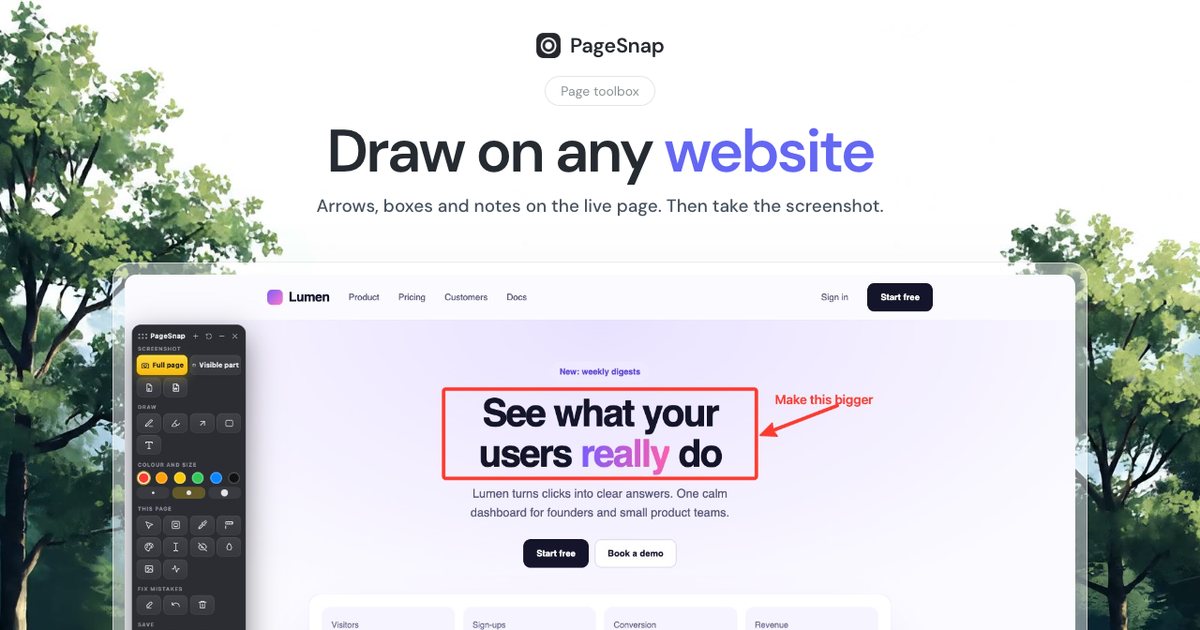
Screenshots · 4 min read
How to Take a Full Page Screenshot on Windows 10 and 11
Windows shortcuts only capture what you see. Here is how to capture a whole long web page on Windows, step by step.
Read the guide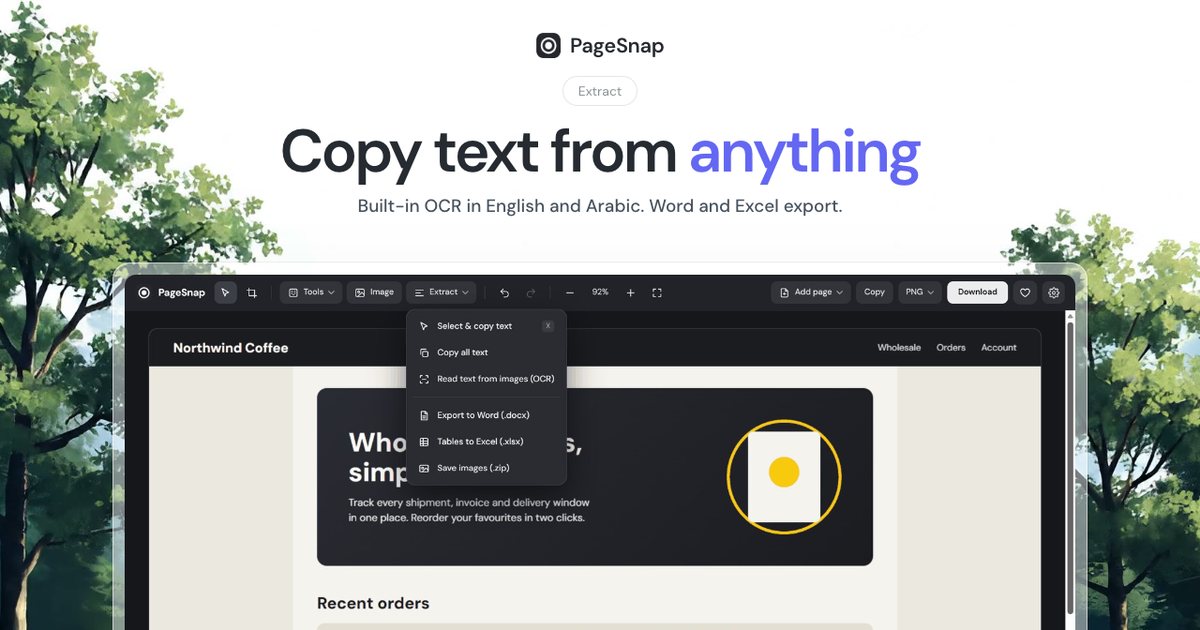
Export · 4 min read
How to Export a Table From a Web Page to Excel or Word
Turn a table, list or whole article on any web page into an editable Excel or Word file in one click.
Read the guide