 PageSnap
Compress · 4 min read ·
How to Compress and Convert Pictures and PDFs Without Uploading Them
Make photos and PDFs smaller, or change JPG, PNG, WebP, AVIF and PDF formats, many files at once. Private and free in Chrome.
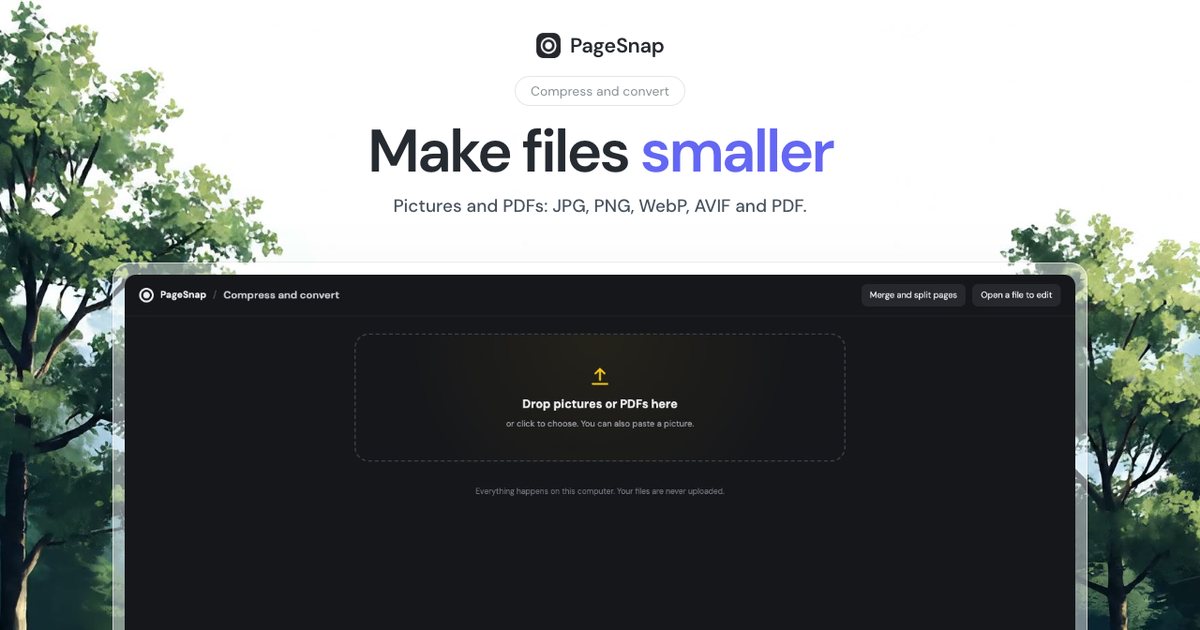
Big pictures slow down websites and fill email limits. Online compressors work, but they upload your files. You can do the same job in your browser.
Compress: same type, much smaller
- Open the PageSnap toolbox and choose Compress and convert.
- Drop your pictures or PDFs. You can also paste a picture.
- Pick Smallest file, Balanced or Best quality.
- Download one file, or all of them as a ZIP.
PageSnap shows how much each file shrank, and keeps a file as it is when it is already small.
Watch it: compress and convert in 30 seconds
Convert to another format
| Format | Best for |
|---|---|
| JPG | Photos everywhere |
| PNG | Sharp text, logos, transparency |
| WebP | Small files for websites |
| AVIF | The smallest photos |
| Many pictures in one document |
Set a target size
Need a file under 500 KB for a form? Choose a target size and PageSnap lowers the quality until it fits. Use One PDF for all pictures to join a set of scans.
Tips for websites
- Resize to the width you really show, then compress.
- Use WebP or AVIF for photos and PNG for logos.
- Keep the original in a folder, in case you need it later.
Private by design
Everything happens on your computer. Your files are never uploaded.
Try PageSnap, free.
Full page screenshots, editing, OCR, PDF and Word export. No account, nothing uploaded.
More guides
Export · 4 min read
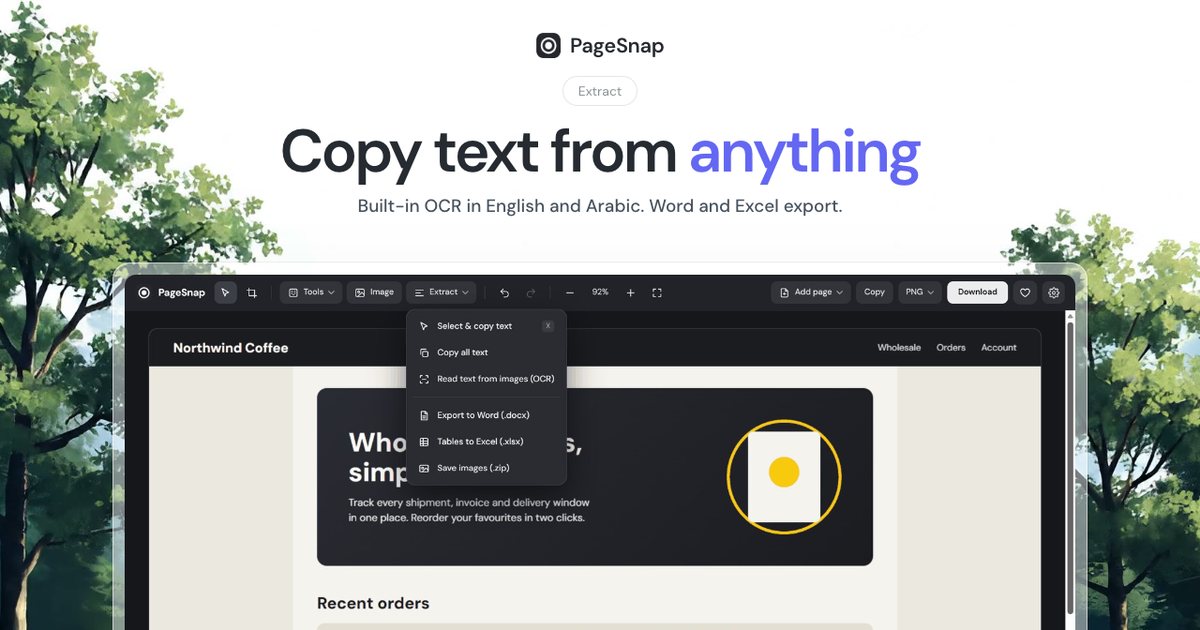
How to Export a Table From a Web Page to Excel or Word
Turn a table, list or whole article on any web page into an editable Excel or Word file in one click.
Read the guide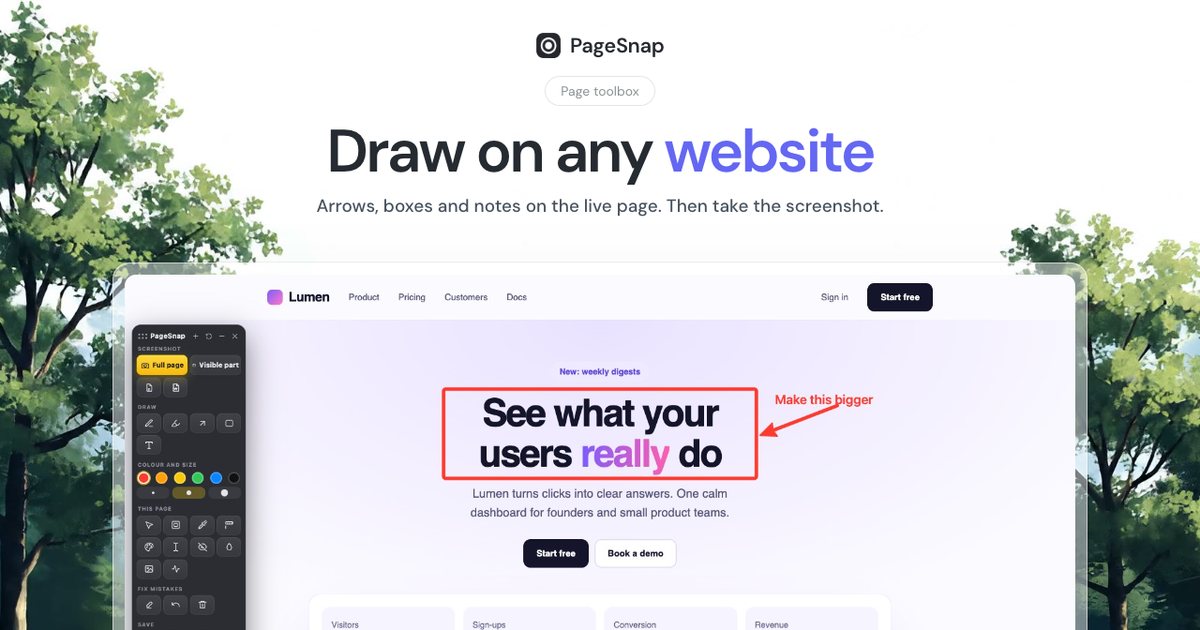
Workflow · 5 min read
How to Write a Bug Report With Screenshots Developers Love
A simple template and annotation tips: arrows, numbered steps, blur and console details that make bugs easy to fix.
Read the guide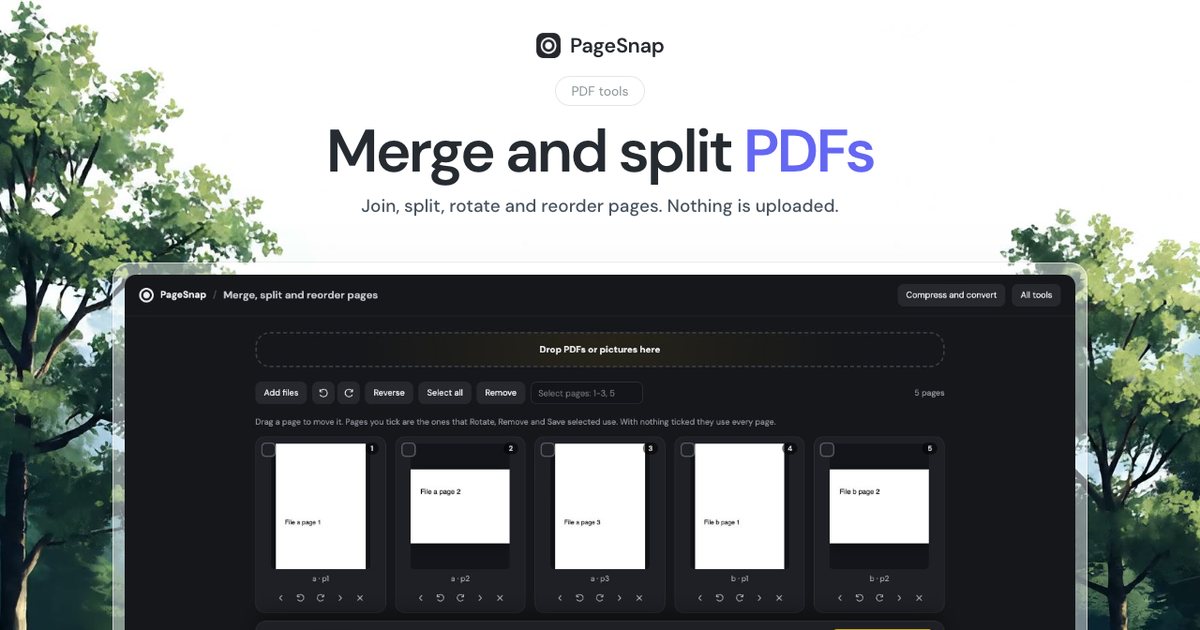
PDF · 4 min read
How to Merge and Split PDF Files Without Uploading Them
Join, split, rotate and reorder PDF pages in Chrome. Private, free, and your files never leave your computer.
Read the guide